
A Best Lawyers account helps you manage your profile and recognition in one place.
Before you start
Accounts are available only to awarded lawyers and firm representatives.
How to request an account
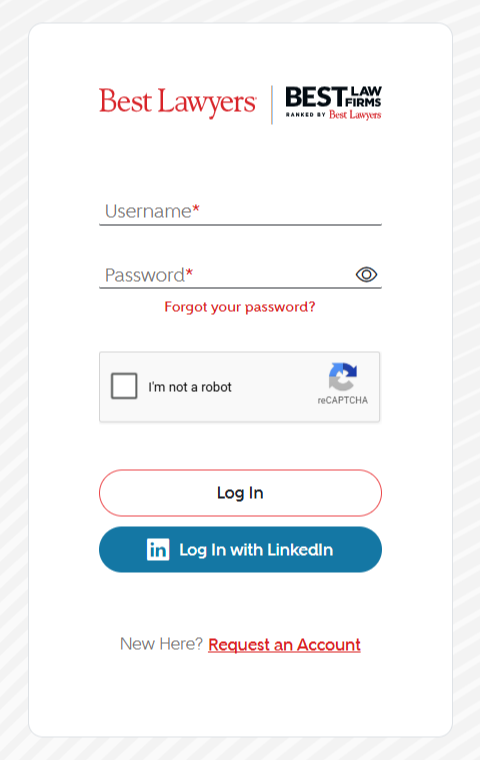
- Open the Best Lawyers homepage and select Member Access in the top-right corner.

- On the login page, select Request an Account.
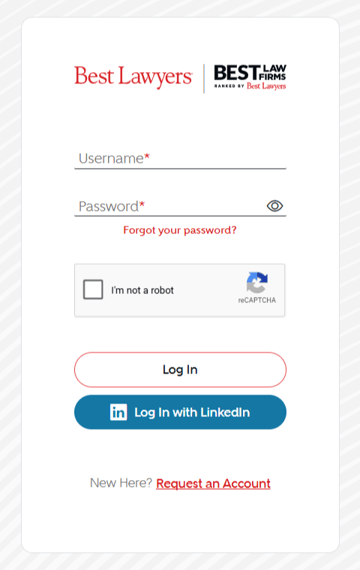
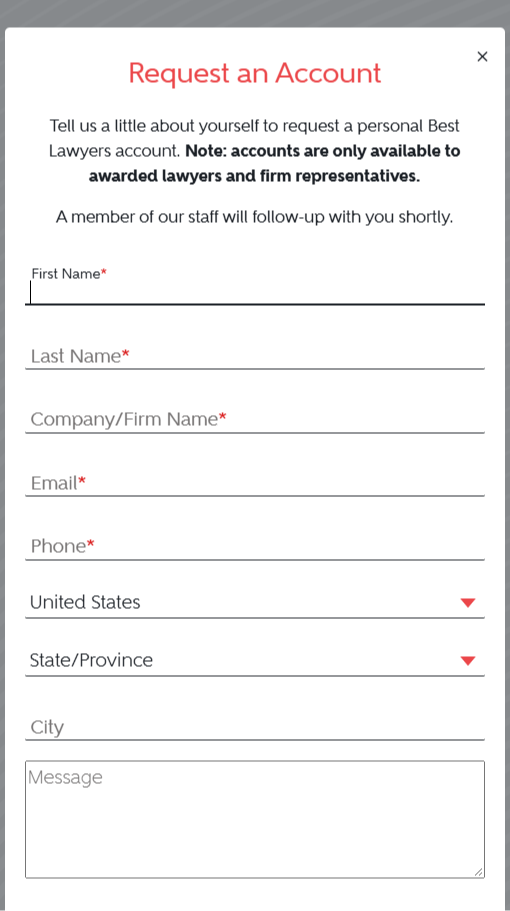
- Complete the form with your information.
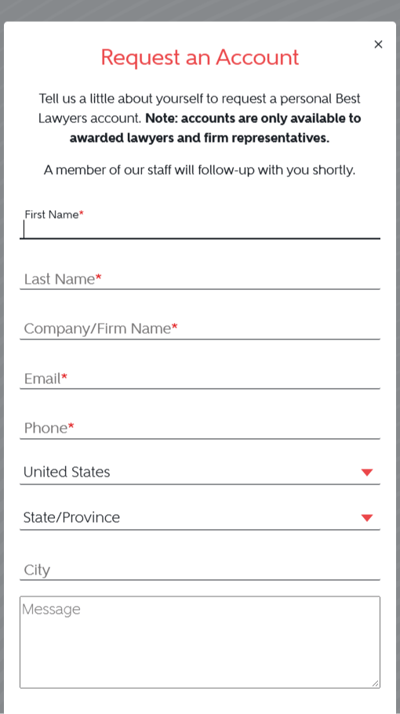
- Complete the verification shown on the form, then select Submit.

What happens next
A member of our team will review your request and follow up with you. Submitting the form does not activate an account.
What you can do with an account
Depending on your account type and eligibility, you can update lawyer or firm information, manage photos and logos, review recognition reports, purchase badges or other products, nominate lawyers and vote when eligible.
Try the walkthrough
Practice the request process below. The walkthrough uses fictional details and does not submit a real account request.
Open the account walkthrough in a new tab.
Need help?
If you have questions about your request, contact us.